
Lights everywhere
Everything to do with building F17




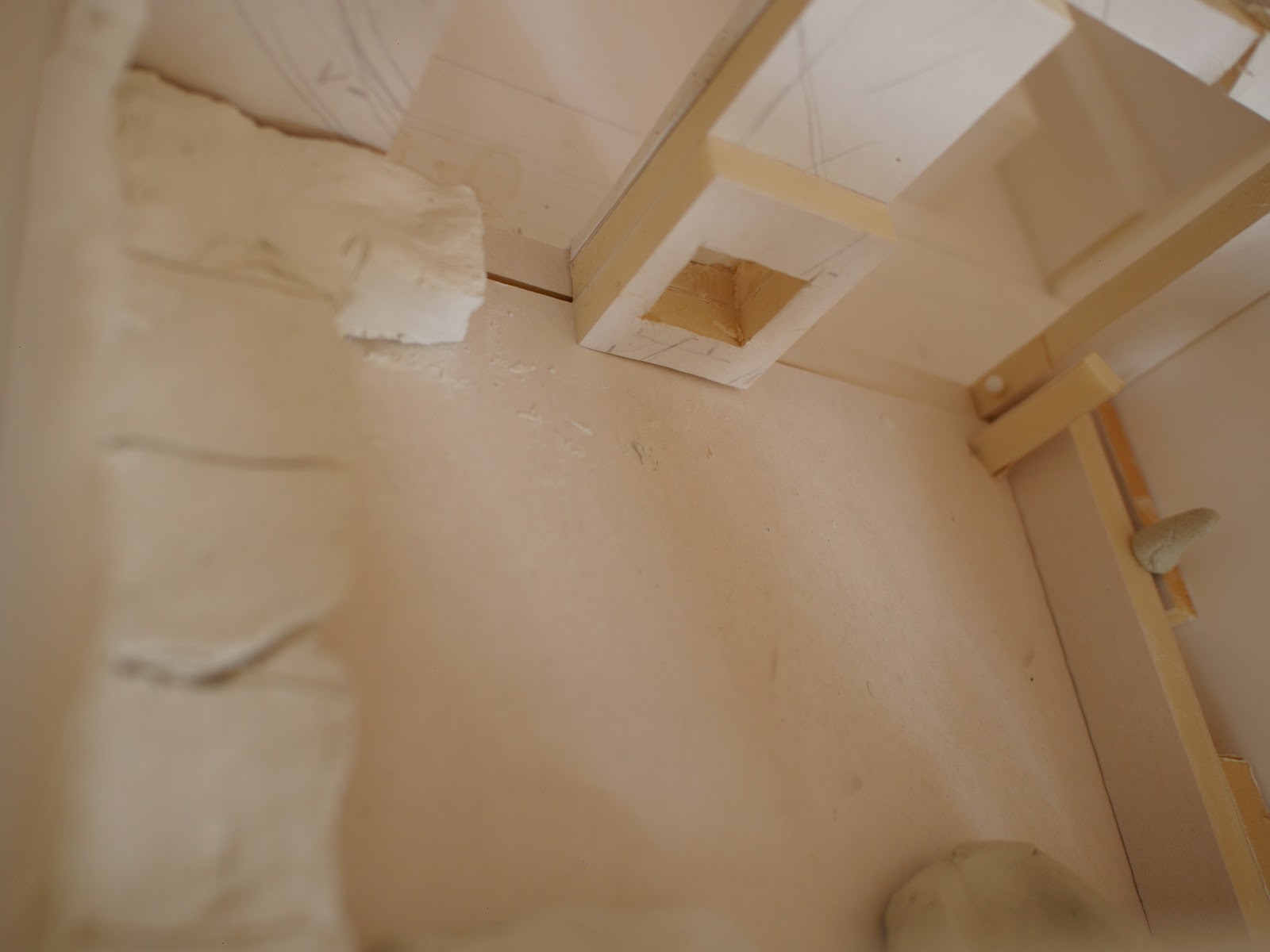

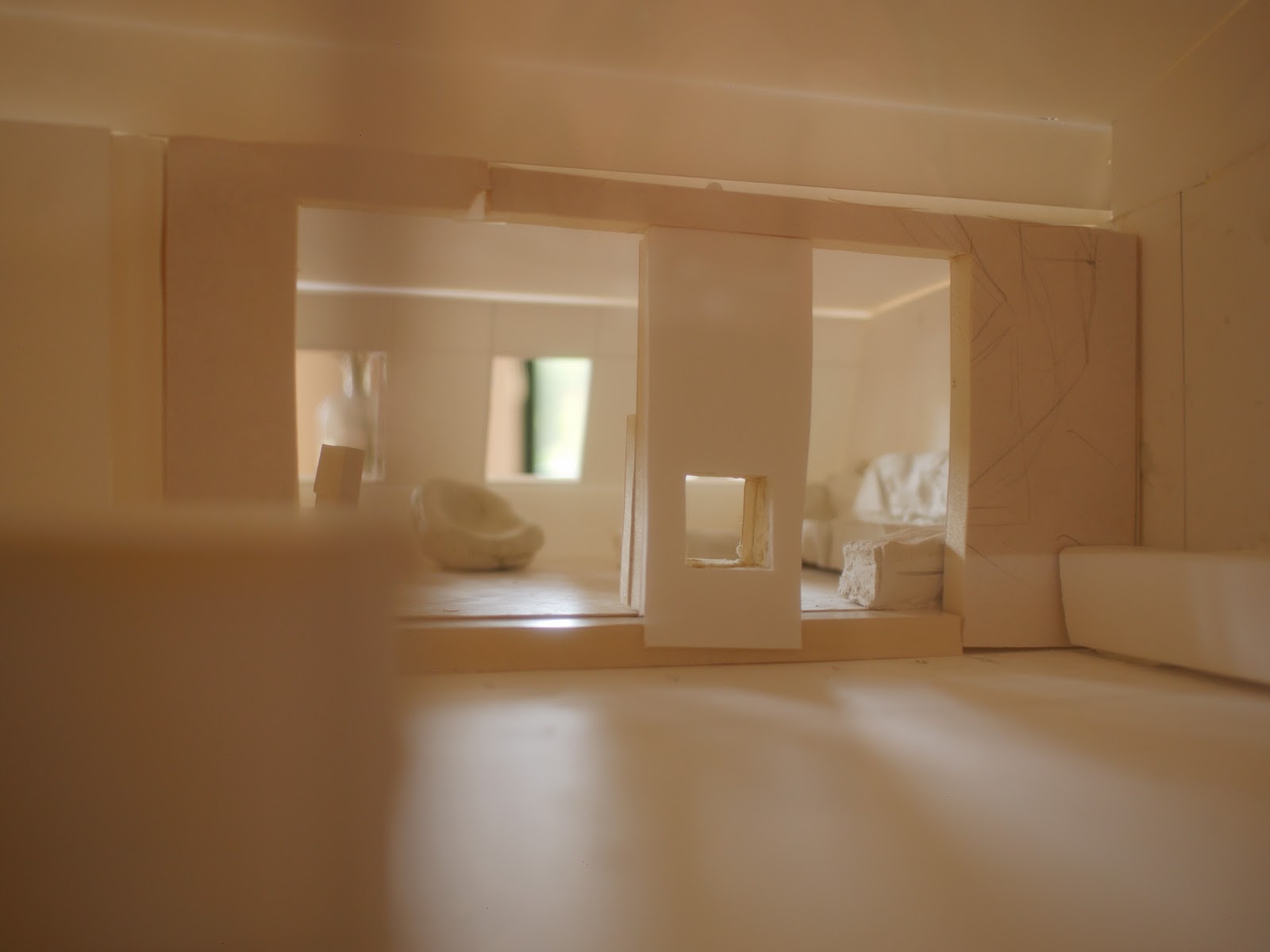

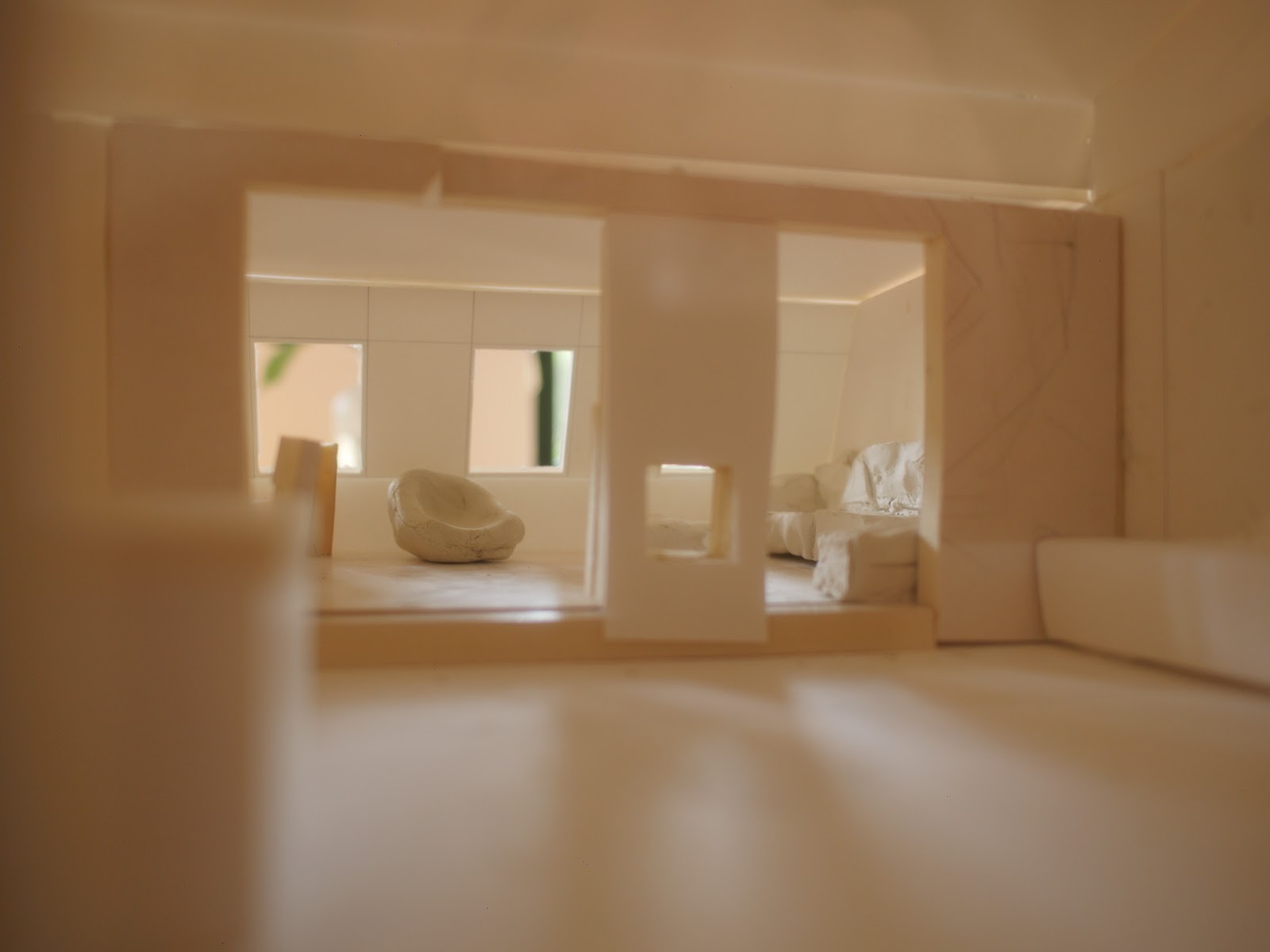


I currently have Habpanel running on a 7″ RPi display test rig in my current apartment. It’s nice to get stats and control things. But… the panel is too small, has a crappy viewing angle and HUGE bezel.
I’d like to build touch panels for each room that are flush with the wall, and have a small bezel. And are larger and…
Sorting out specs, I’m thinking of around a 12″ panel (~27cm × 15cm). Driven by a RPi or similar single board computer. Everything hidden away in the wall so that it’s literally just a panel built into the wall. Ideally the panel will sleep when not in use. Or show photos or… But we’re still on the hardware layer today. The fun software bits come later.
I found a supplier and received a quote for 10 touch panels for around $1000.
They look half decent:
| Panel Model | LP125WF1-SPA3 |
|---|---|
| Panel Brand | LG Display |
| Descrition | a-Si TFT-LCD ,12.5 inch, 1920×1080 |
| Panel Type | a-Si TFT-LCD |
| Active Area | 276.48×155.52 mm |
| Outline | 301.4×192.5×6.18 mm |
| Shape Style | Slim (PCBA Flat, Depth ≤3.2mm) |
| Surface | Anti Fingerprint |
| Contrast Ratio | 700:1 (Typ.) |
| Display Colors | 262K (6-bit) , CIE1931 50% |
| Viewing Angle | 80/80/80/80 (Min.)(CR≥10) (L/R/U/D) |
| Frequency | 60Hz |
| Signal Interface | eDP (2 Lanes) , 40 pins |
| Input Voltage | 3.3V (Typ.) |
‘while electrically identical to Displayport, does not use the standardized Displayport connector. every manufacturer has their own favorite connector which can vary from panel to panel. this is why all eDP hobby projects boil down to ‘how do i connect these super-high-speed RF signals from my Displayport connector to this crazy LCD panel connector?’
So at this point I’ve been looking at a rather janky HDMI to eDP converter and trying not to shudder. It does “2 lanes 30 pins” and the panel above is rated at 40 pins. Don’t ask me what that means, but I’d rather not be twiddling super-high-speed RF pins hoping for the right phase of the moon and for everything to work.
Then Rene mentioned Olimex and their single board products. It looks like they have some sensible display interfaces.
Next stop – investigate what Olimex can do.
Update:
Stuart Nelson suggested that I look at the Amazon Fire 10″ Tablet. They currently go for around $100 each and come with a decent spec. For this to work I’d also need a special cable that connects at right angles and is ribbon so that it can be routed behind the tablet holder on the wall.
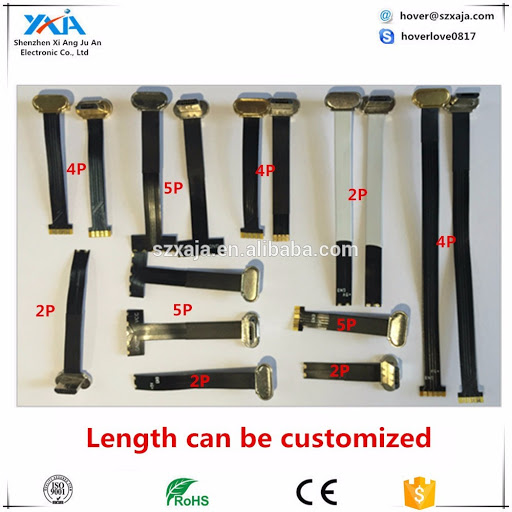
I’m imagining the tablets being Ethernet connected (although probably will be on wifi (something I’m not wild about for HA control). But running power from the Ubiquiti ES/24/250W switch will help minimise cable mania. That then implies needing to get a POE > USB adapter.
For the moment I’ll order a used tablet to test on and also a ribbon cable from Alibaba. There’s still a few months to test all of this. :).
Then I just have to ask Rene for help 3D printing a test wallmount.
Update to the Update:
The new RockPro64 comes with a [modern] eDP connector. I’m excited… This would be much more fun than sticking Android tablets on the wall.

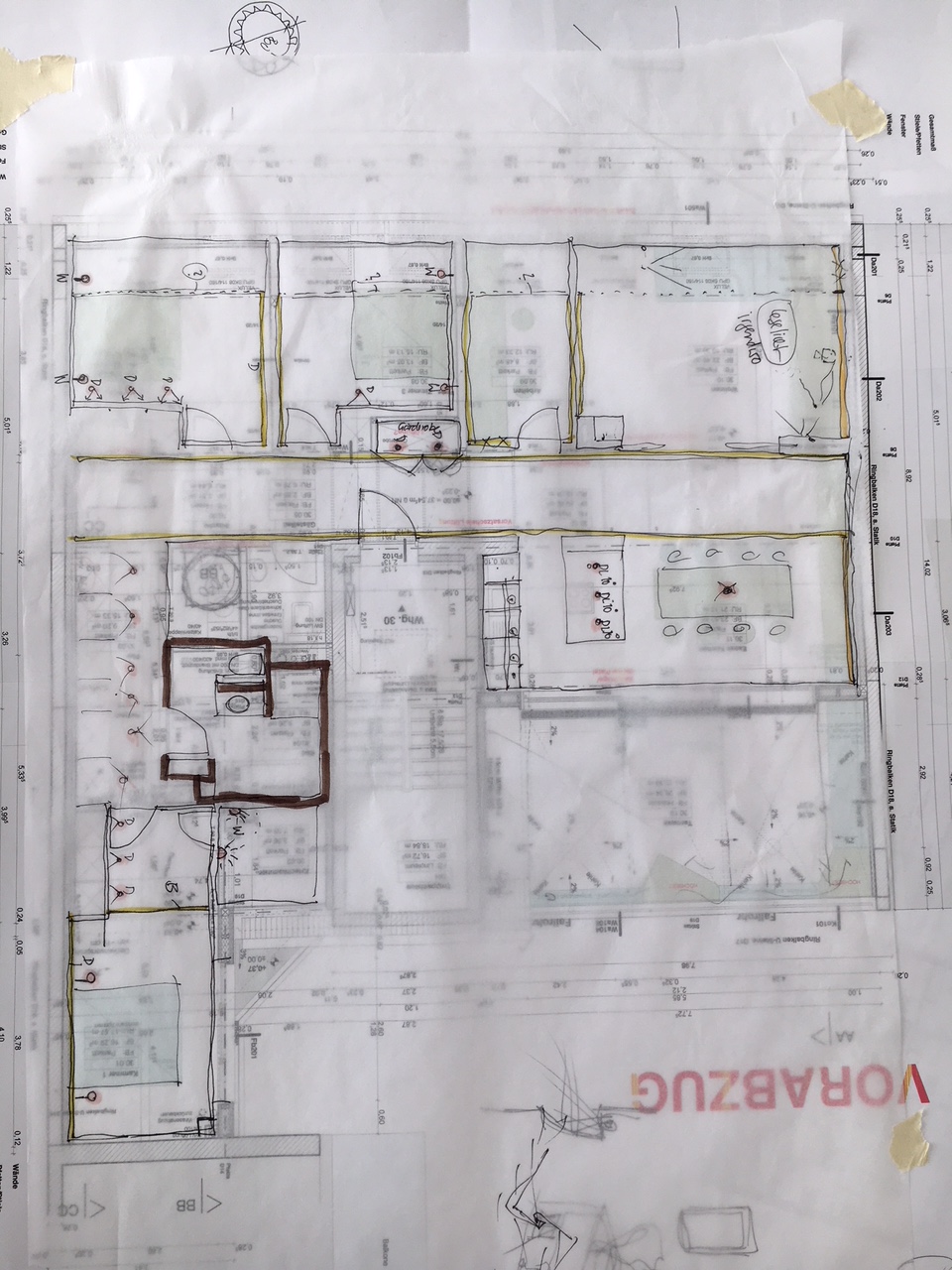
The final plans have been submitted for approval. It’s estimated that this step can take 6 weeks. At the same time we have the fire approval, work with the building technicians (ventilation, heating, water, sewage, electricity, cabling (power, speakers, ethernet, KNX, DALI).

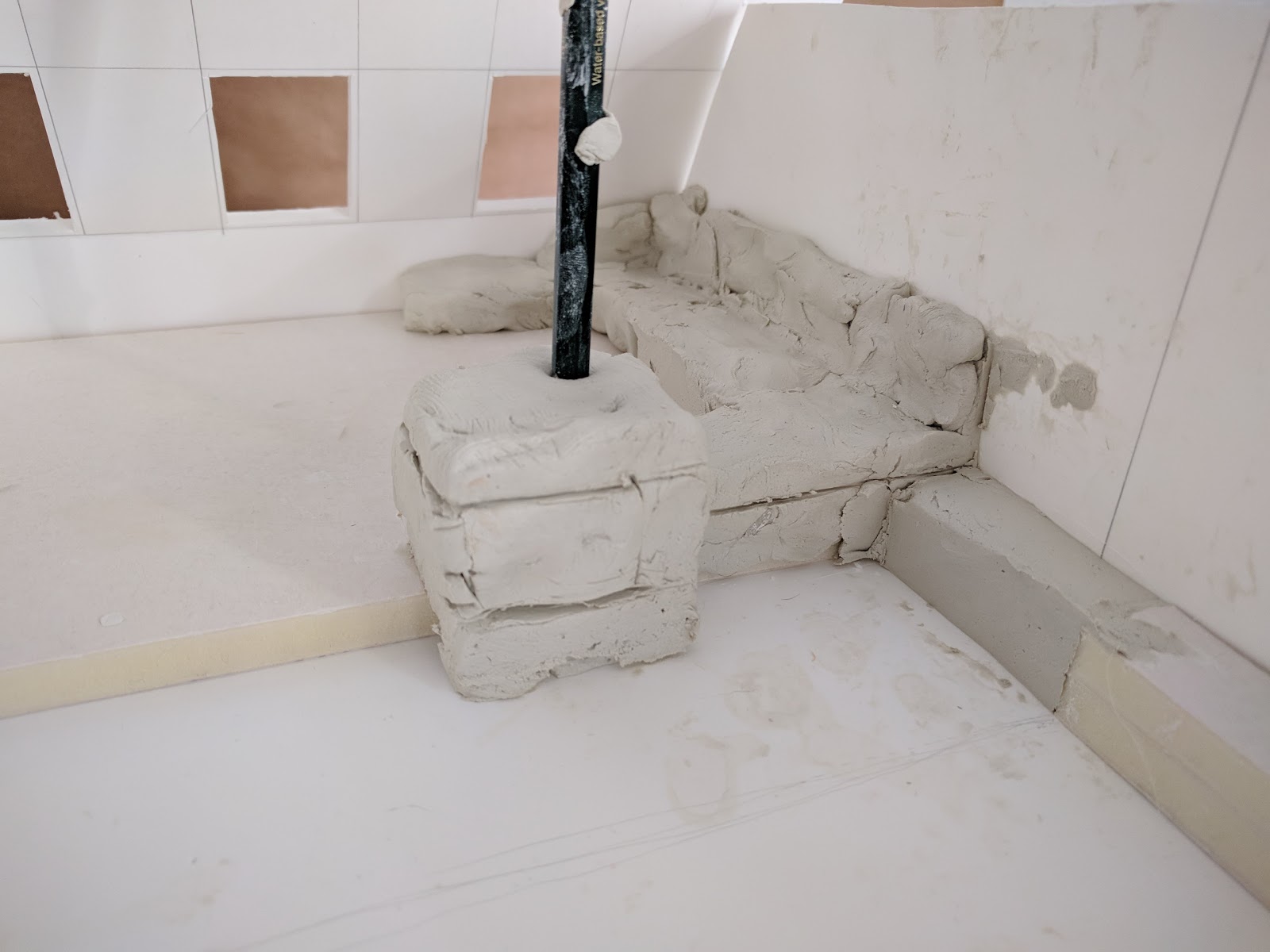
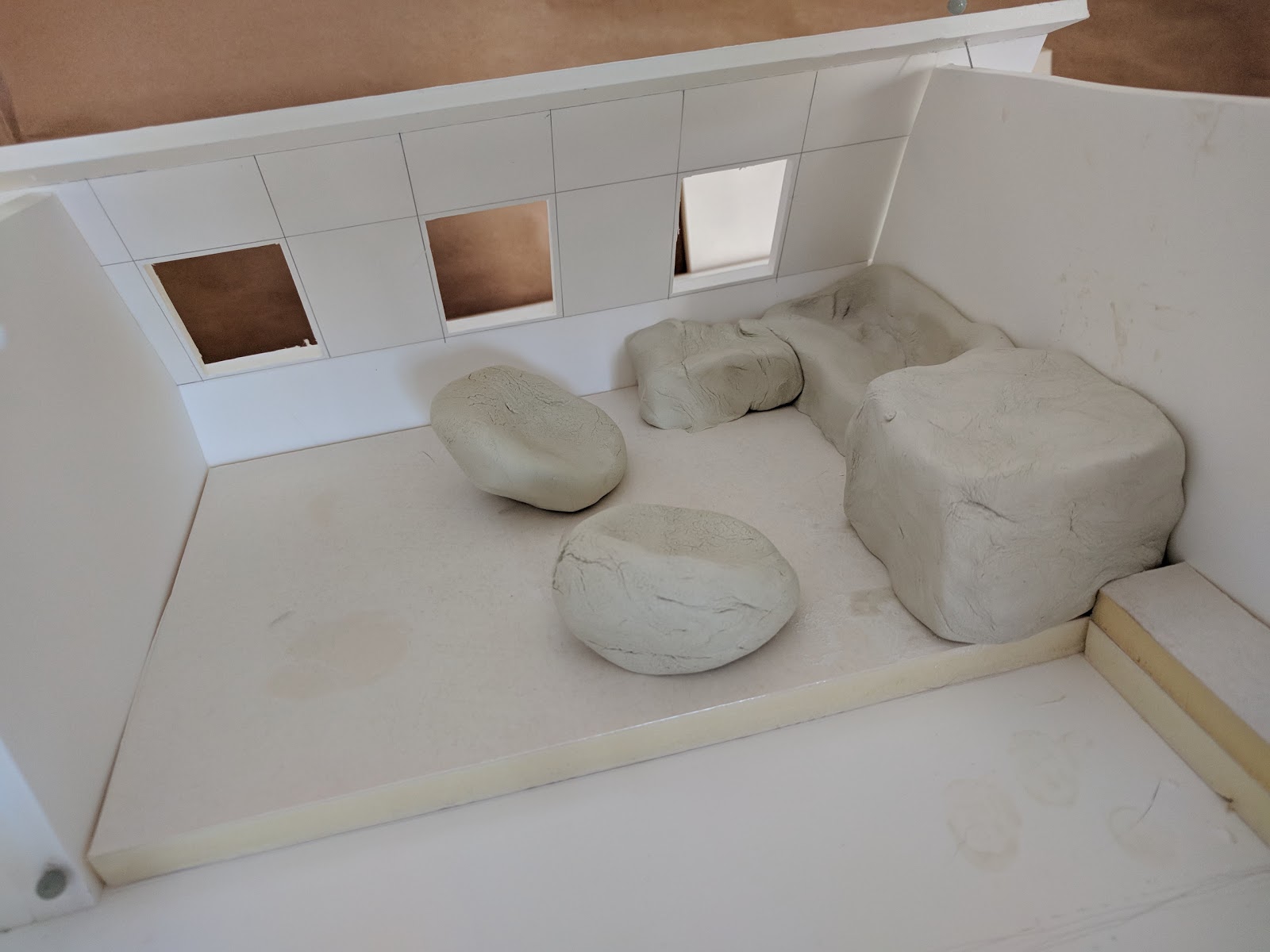
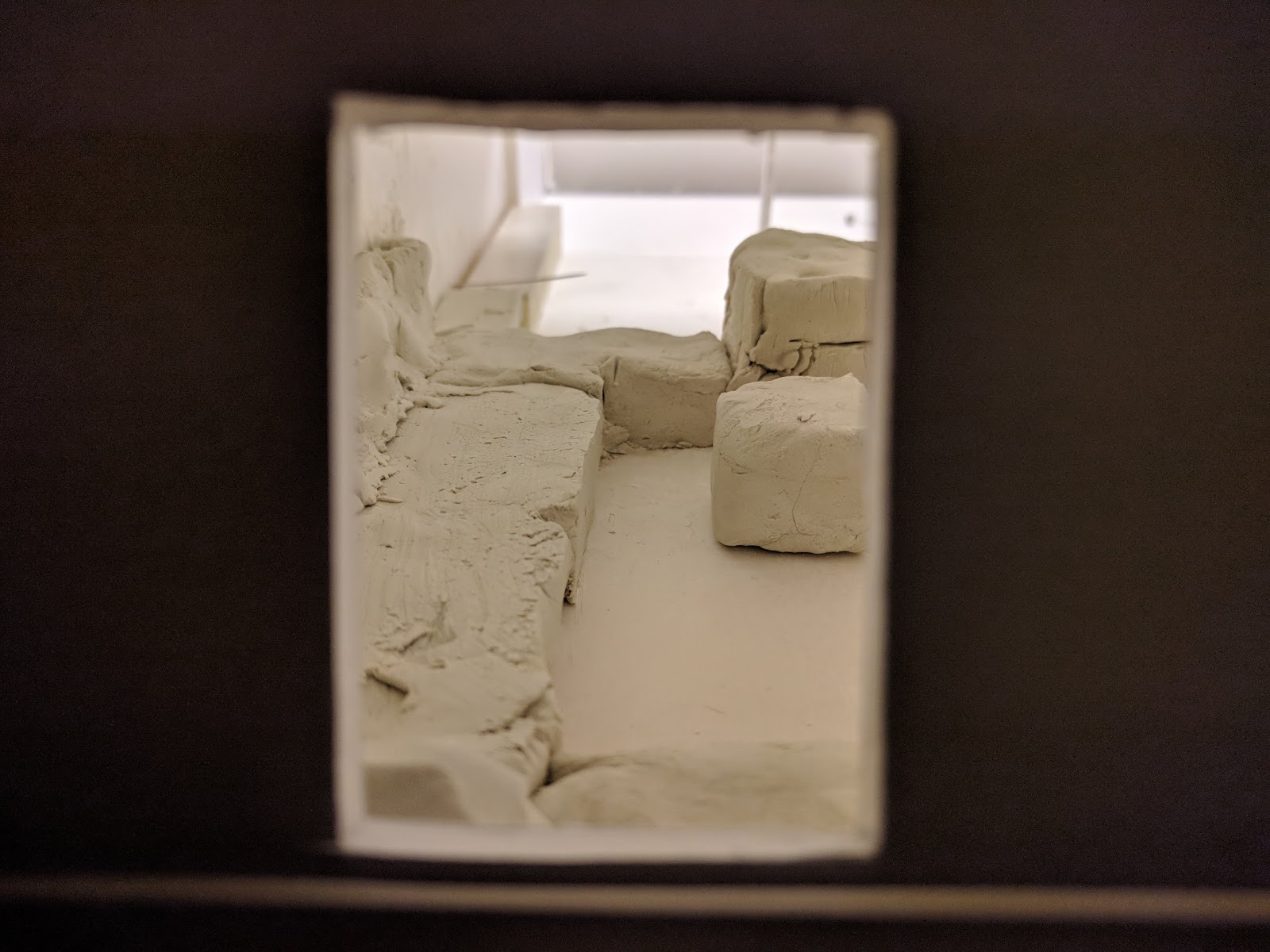
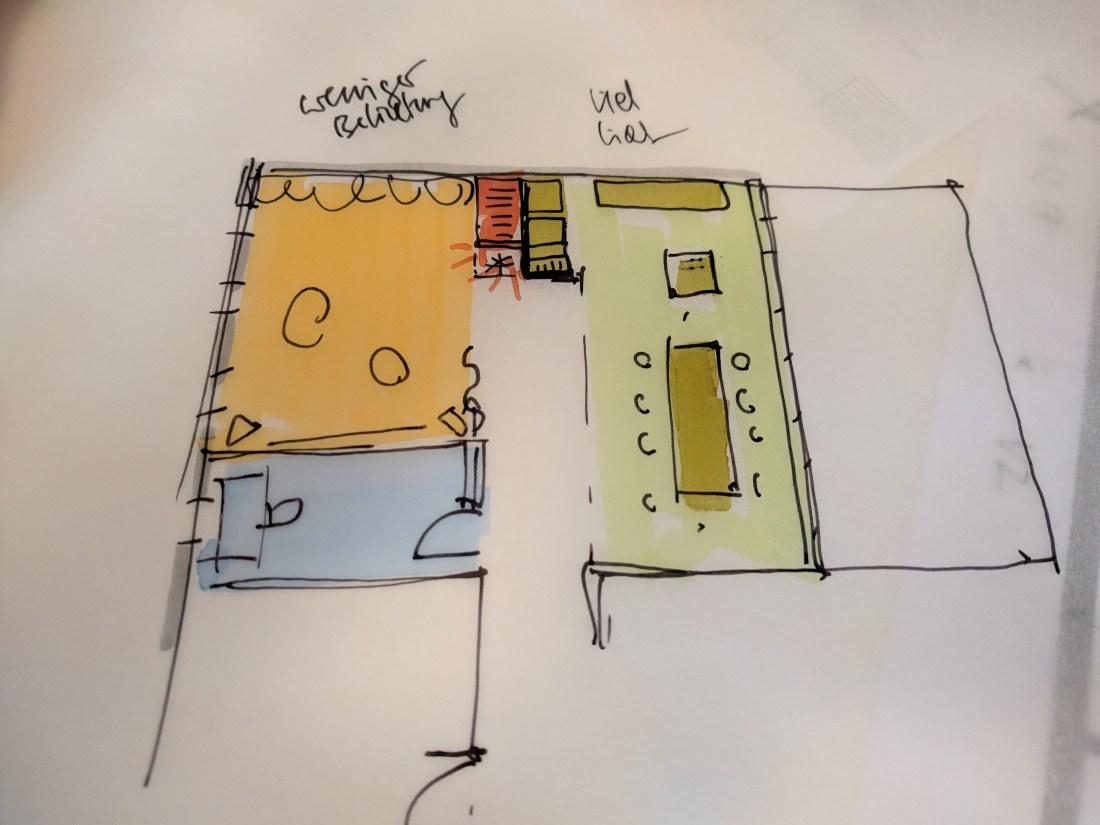
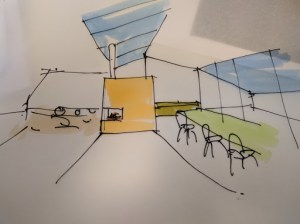
Aim:
And most importantly:
 |
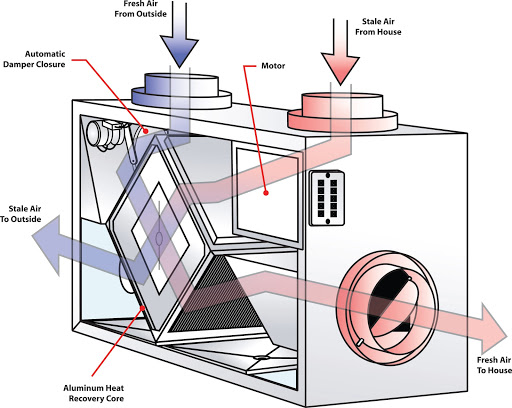
| Ideally the ventilation includes heat recovery (and a filter to protect against spring pollen) |

In the software world we write user stories that cover how a feature will be used. They are usually along the lines of
“As a <something>, I want <feature> so that <something can happen> “
Each story defines an element of functionality. For example, “user can login”.
So I was thinking about the equivalent of user stories for building. Some are obvious: “A an authorised person, unlock the front door”.
But there are others that are more interesting and which we end up doing everyday without knowing about: can put dirty laundry into the washing basket. In the F17 case this would mean, a context of taking a shower and changing, and needing to put some dirty laundry into the washing basket. That would mean walking around to the laundry room, opening the laundry basket and then walking back to the bathroom.
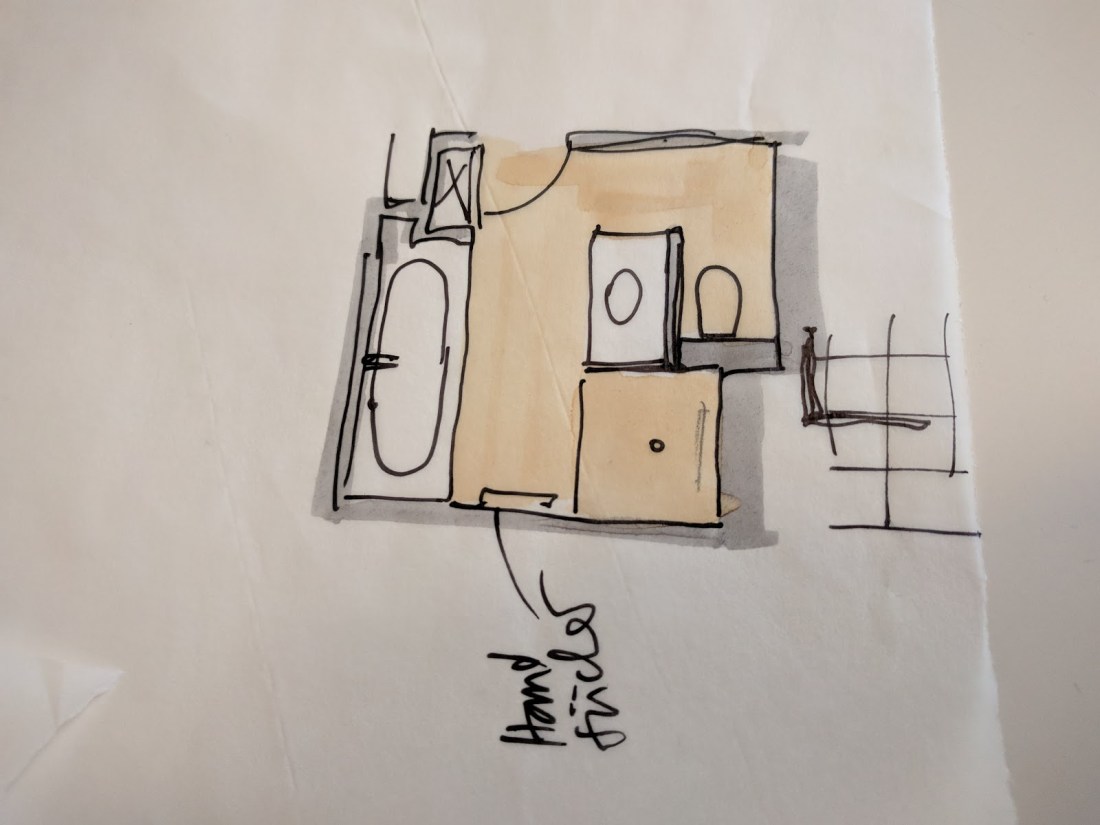
So I thought it would make sense to list out the things that I do regularly and look at how each of them could be optimised or whether a compromise is necessary. For example in our “place dirty laundry into the washing basket” story, we ended up optimising by putting a chute into the bathroom that takes the dirty laundry directly to the washing basket in the laundry room.
So here’s my list of stories from the silly to the “perhaps this could be optimised” tasks.

Arriving home:
…and then go and put away shopping (probably another user story).
Wow – that’s actually a whole bunch of tasks that I generally overlook but that could be somewhat optimised.
For example “sit” implies having a bench or stool outside or just inside the door. And then there’s the whole notion of unlocking doors and searching for keys.
If I look through this there’s a lot of stopping and starting – sit, stand up, go inside, go outside again, put down bags to be able to unlock, pick up bags again.
Our arrive home user story is actually a plethora of new tasks.
But before listing them I think that it might be worth thinking about other optimisations that would make this arriving home moment a little more pleasant. If the door could unlock and open automatically that would reduce our list to:
Arriving home:
…finally fo and unpack shopping
The optimisations would be something like:
Sensor states to monitor:
Potential rules to program:
Bringing this back to user stories, there are other ones that I find myself doing reguary that I’d like to think through and walk though:
We could group a few of these into “starting the day” (in order):
I like waking up naturally. Light usually does the trick of activating my brain and getting a few thoughts firing. I’m also aware that I spend a lot of time on my laptop in bed in the morning and this isn’t perhaps the most productive time (I’m looking at you Reddit and Hackernews). So I’m thinking that the lure of freshly made coffee in the kitchen might do the trick of at least getting me out of bed. After that I’m rolling.
I’ve been experimenting with a Philips Hue system and having the brightness slowly ramp up over 30 minutes does a good job of wrapping up dreams and waking up. So to that end, perhaps the following sequence (assuming a variable of WakeUpTime)
Rule runs until the “tell me about my day” is finished (this can be between 10 mins and 2 hours depending on how many news sources are configured.
Now we have a bit of a problem: If there is something interesting on the news (this started playing in the bedroom, the sound needs to “follow” me to the kitchen and then to the bathroom). I picked up an Apart Revamp1680 16 channel amplifier that could drive speakers throughout the apartment, but I’m not really sure how to do a “follow-me” function. My thinking has been to get 8 Chromecast Audios and have them assigned into different Chromecast groupings depending on the rule being run. So a WakeUpSimon rule would push audio to speaker grouping by the same name and include: Bedroom1, Passage, Kitchen and the main Bathroom. It’s a bit of a hack but would work. I’m curious if there is a better way?
Another task that could be rethought is laundry. Currently it’s something like:
Summary – it’s horrible.
So my thinking of how to optimise this is to have a dedicated laundry/utility room with the following features:
My thinking for washing is something like
When unloading:
The drying rule could work as follows
 |
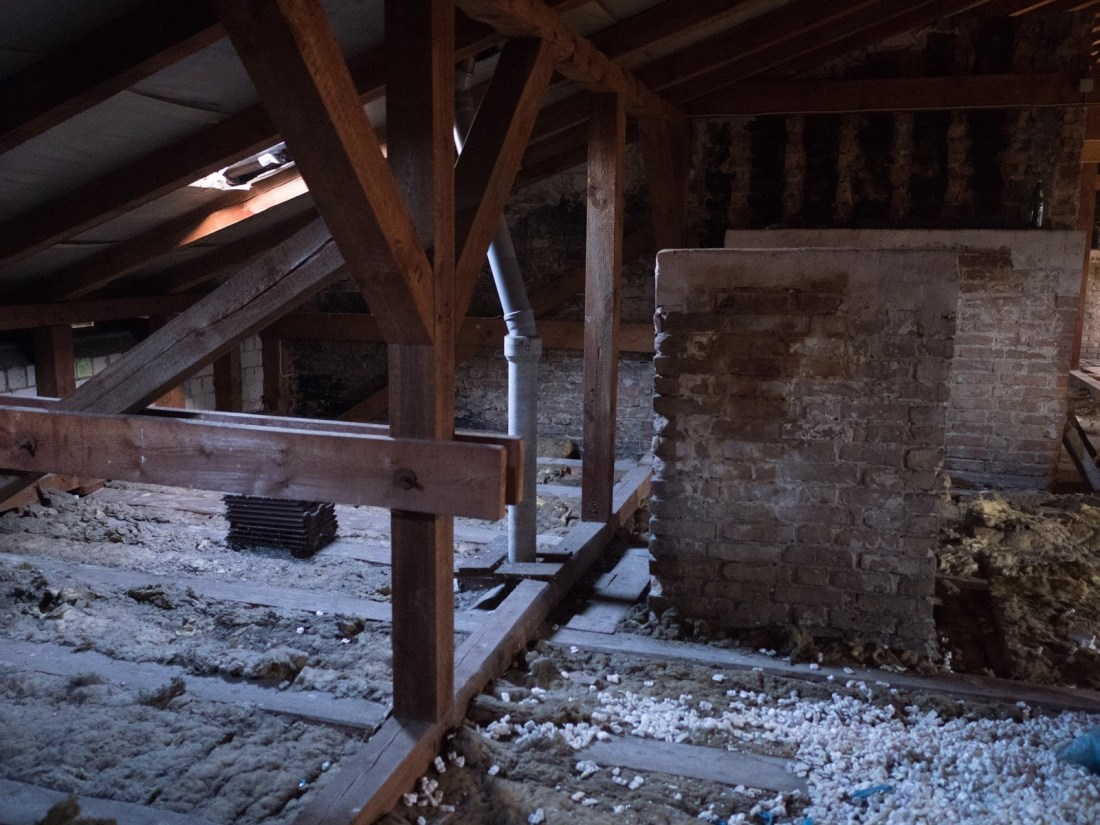
| notice the waste water pipe. |
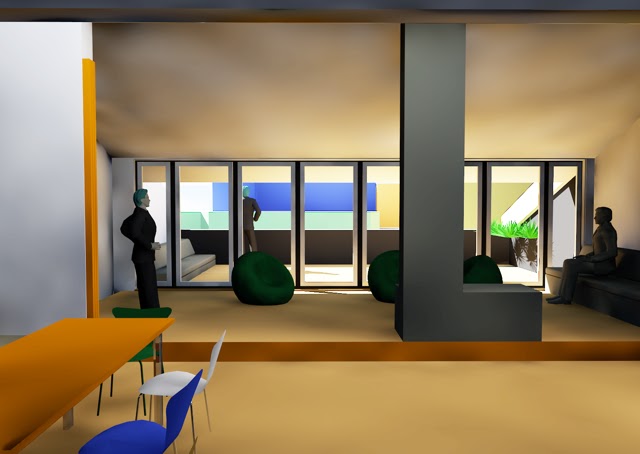
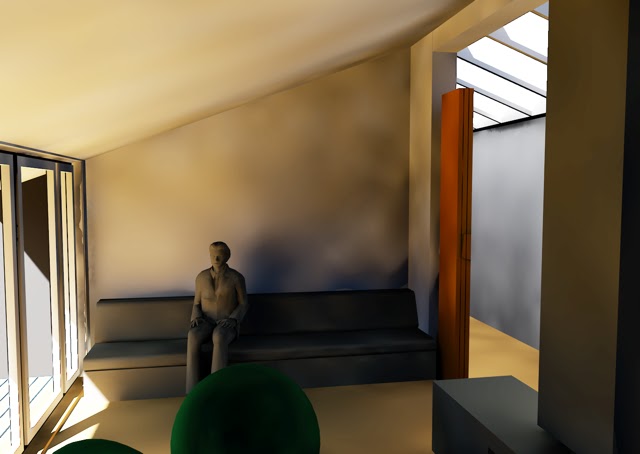
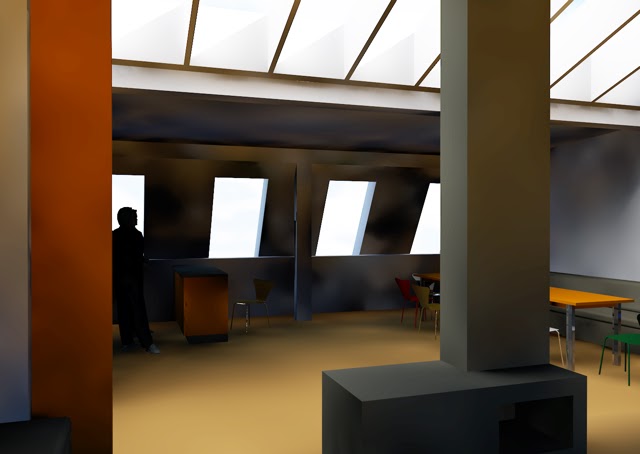
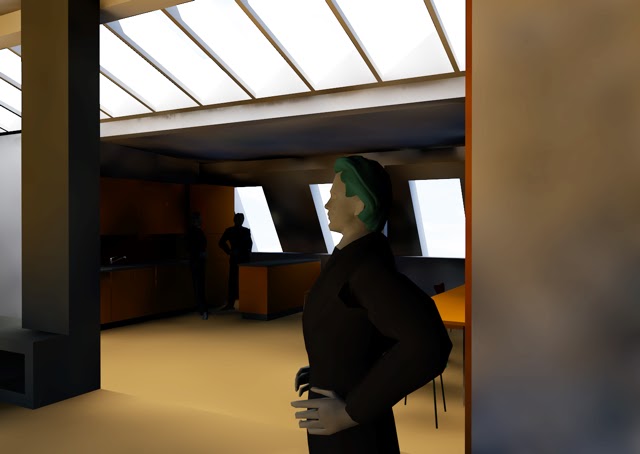
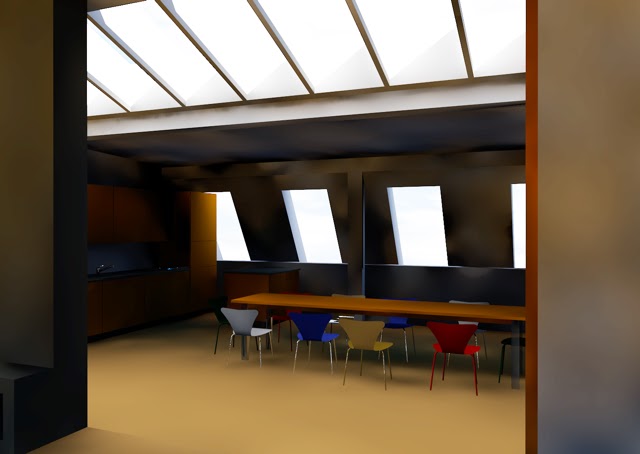
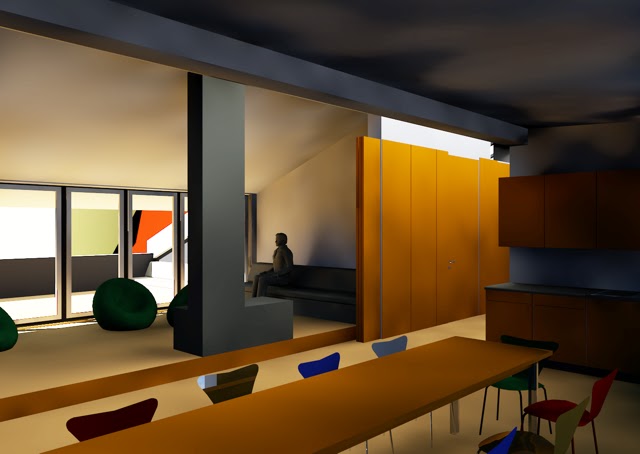 |
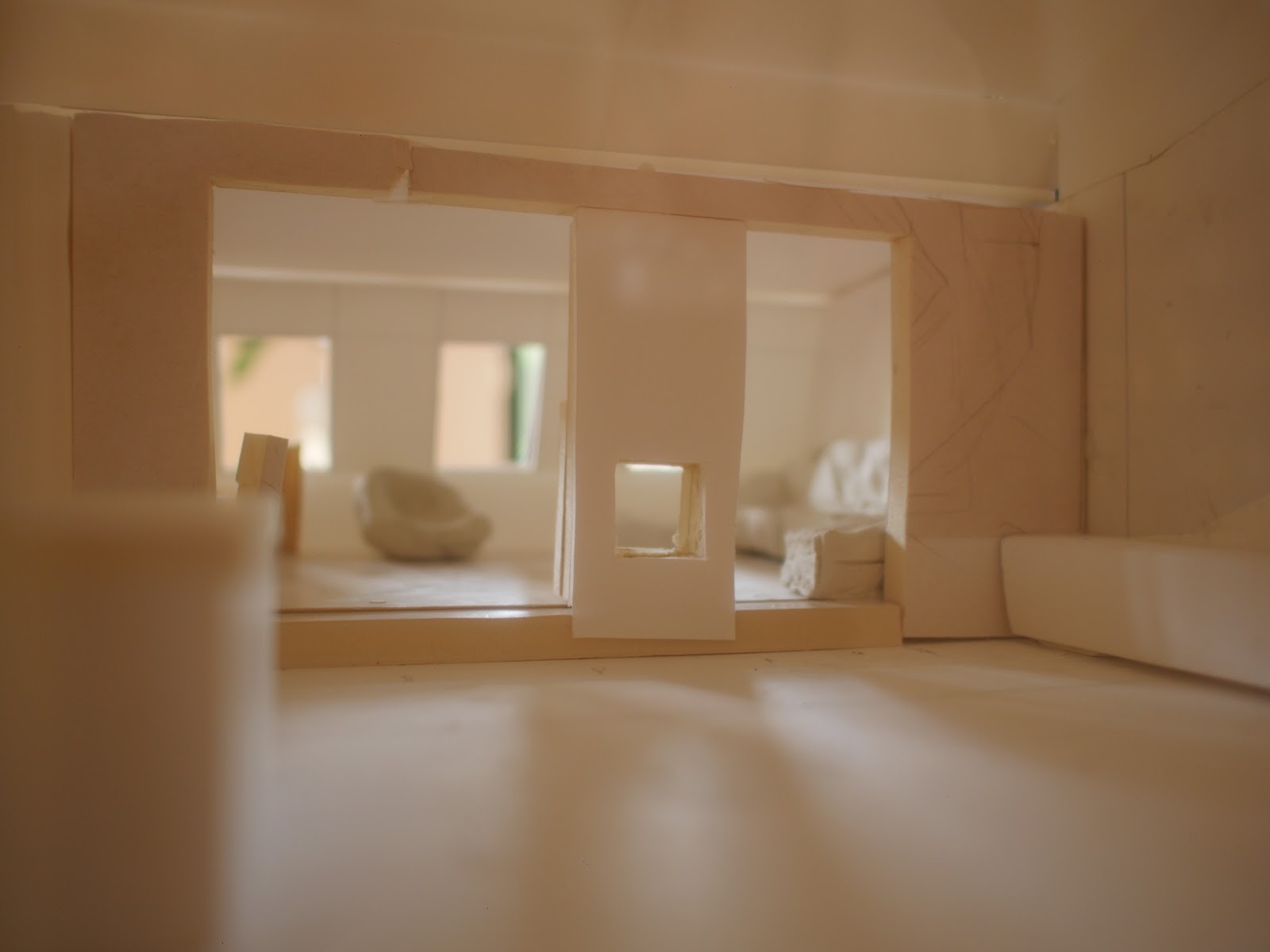
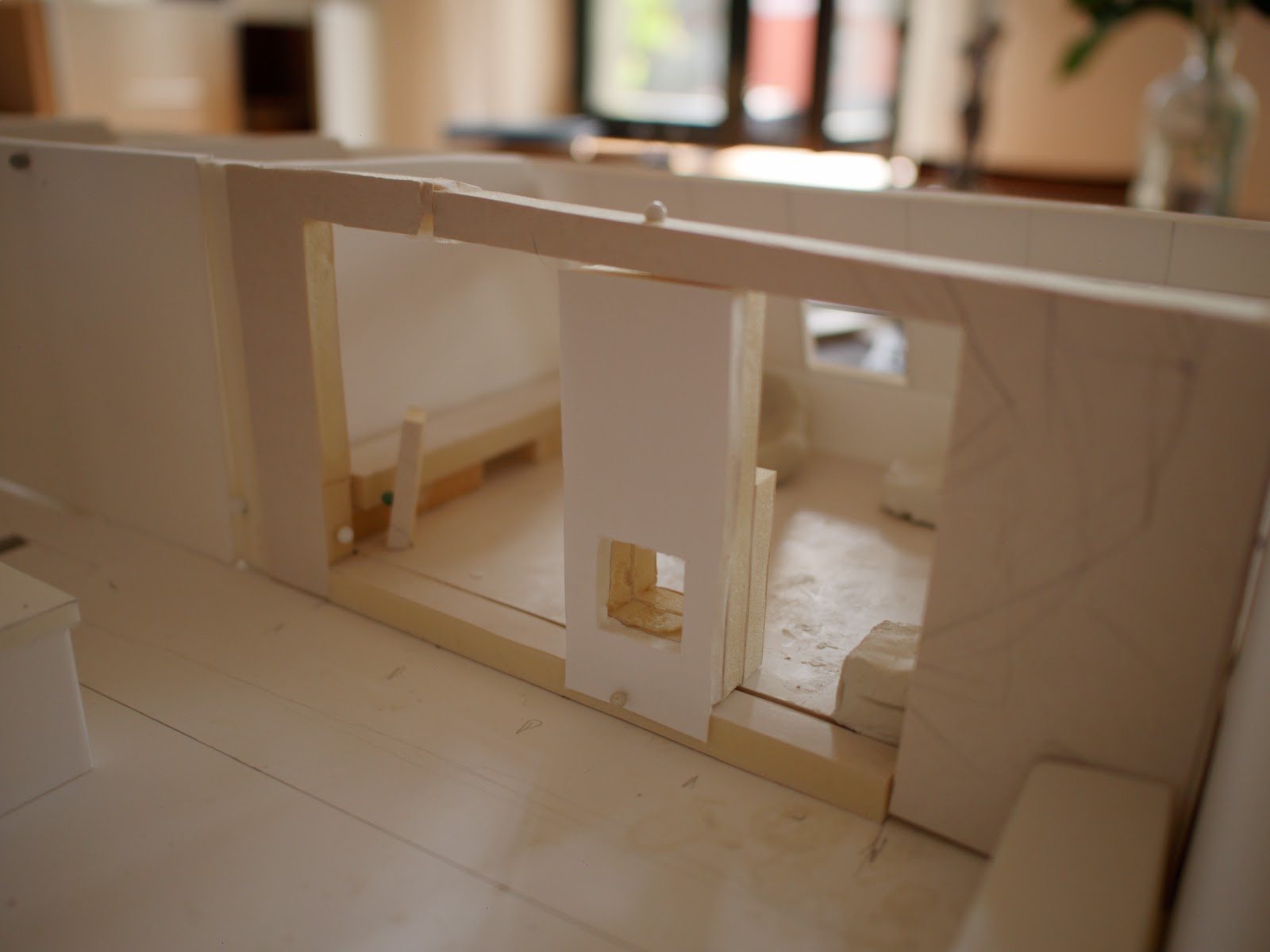
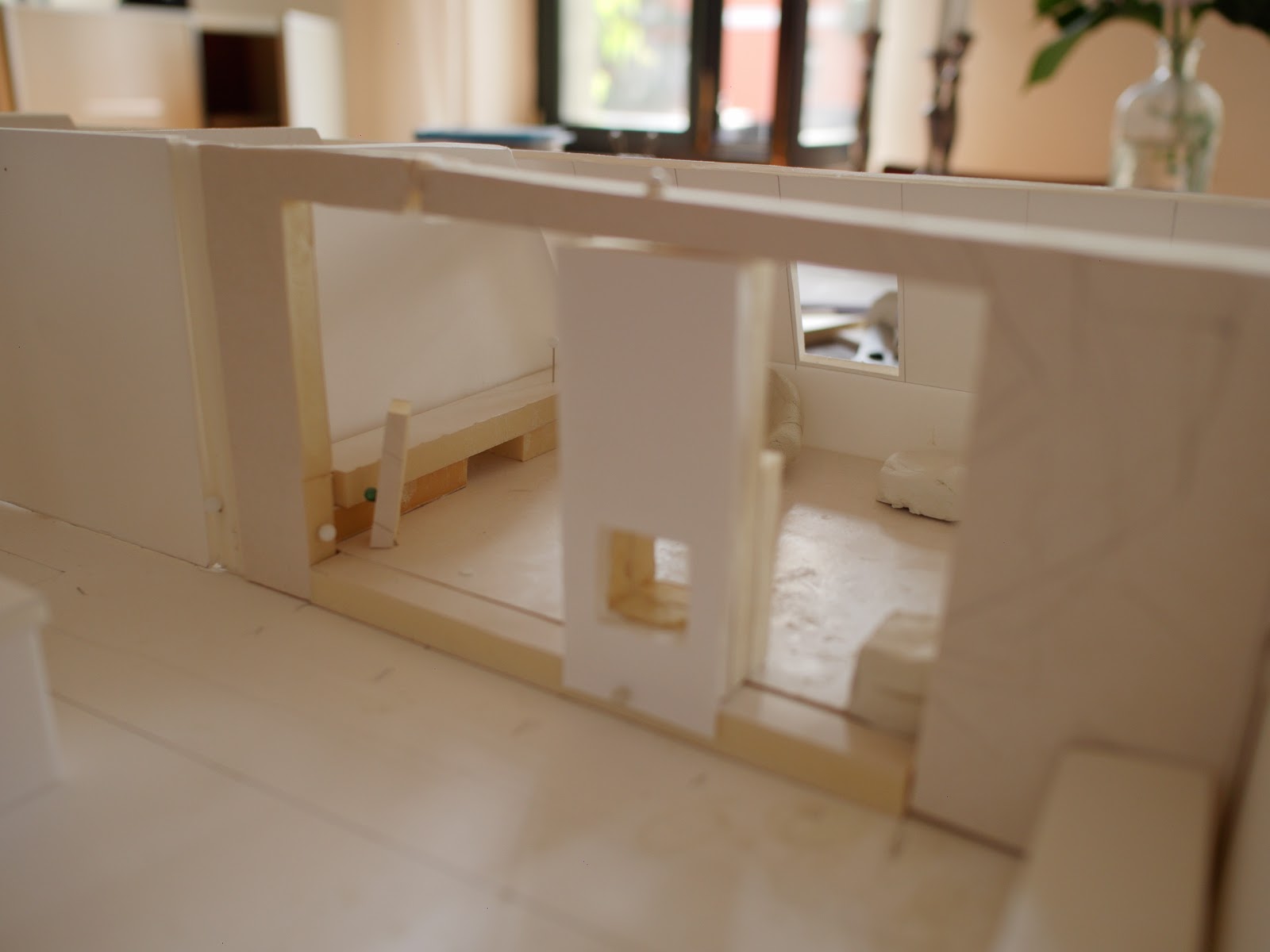
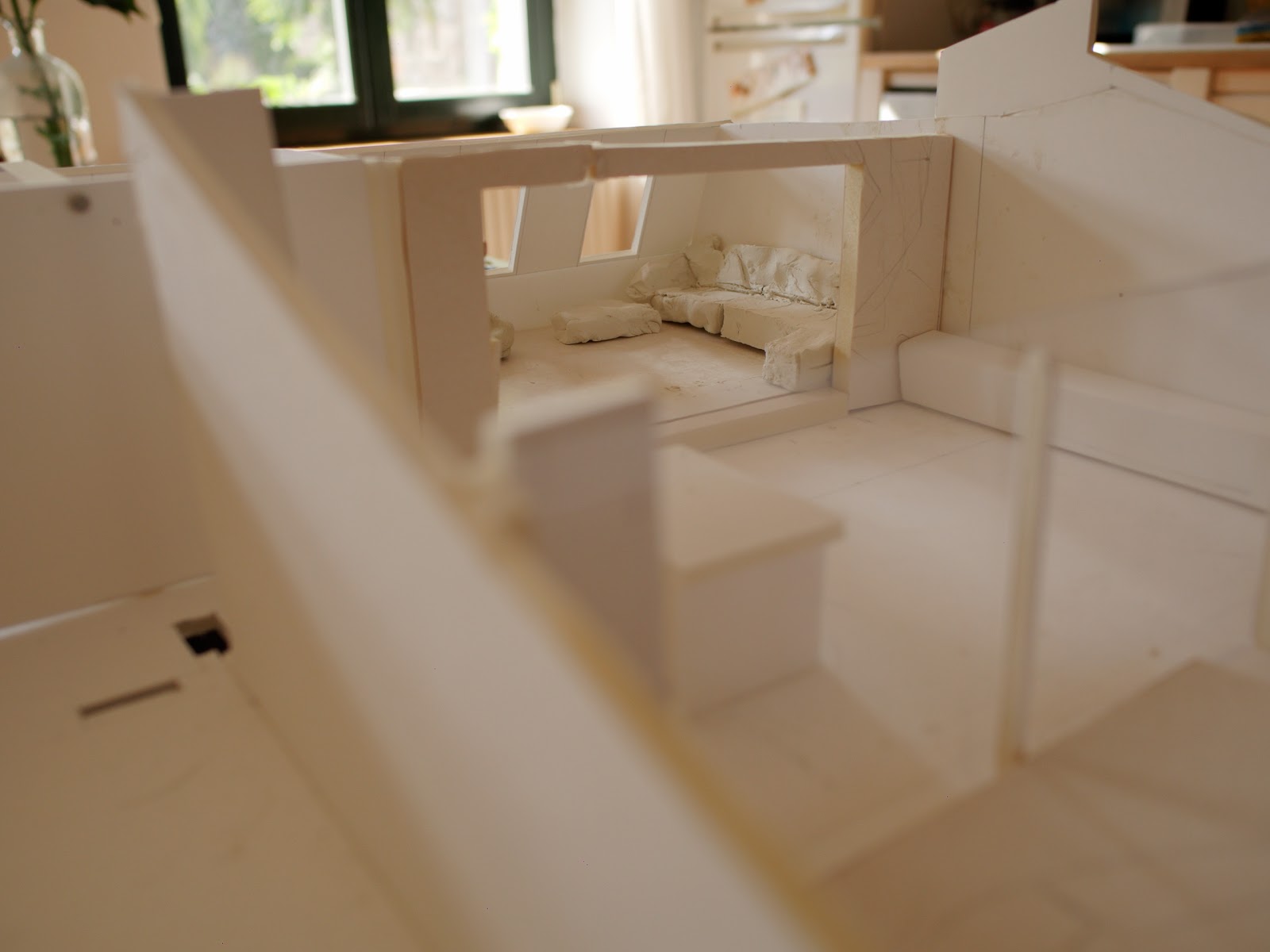
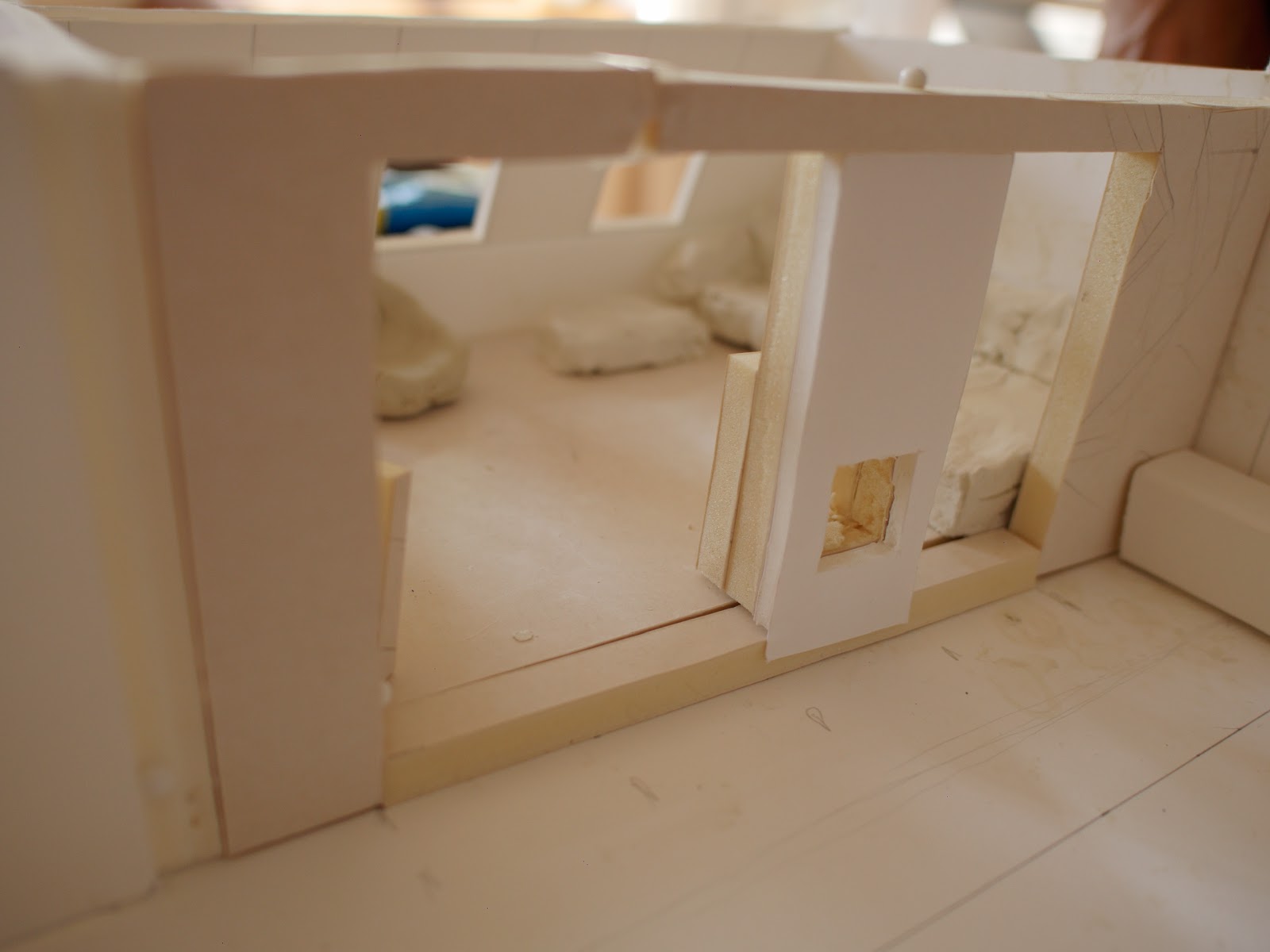
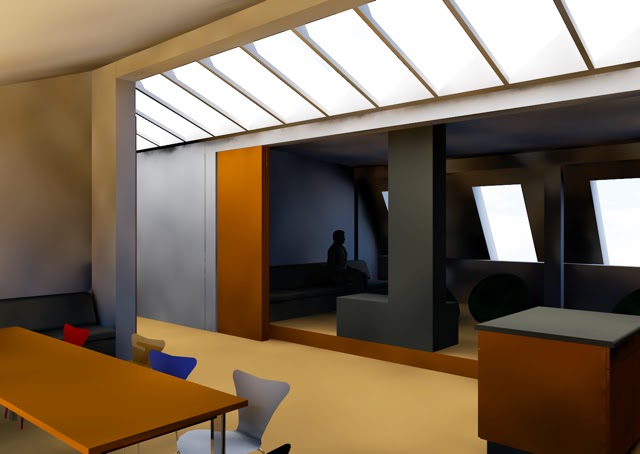
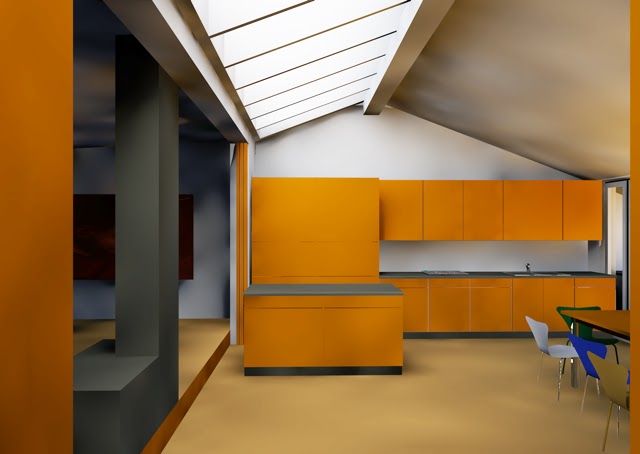
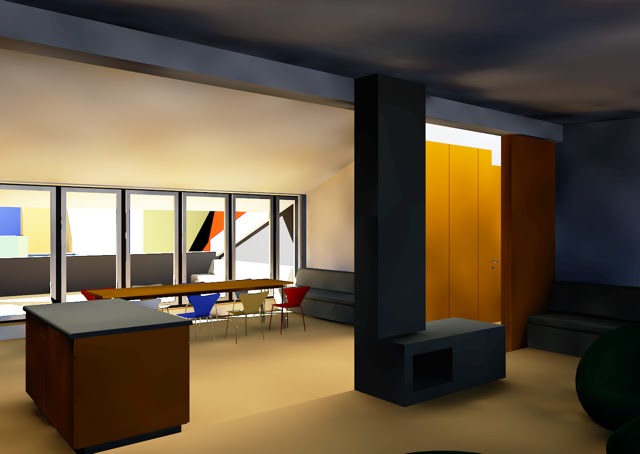
| The idea is that the wooden panels slide out to make the fireplace part of the room more cosy.
This is also my favourite layout at the moment. |

 Should Anyone Ask